How to play · Section 3 of 9
Architect Mode
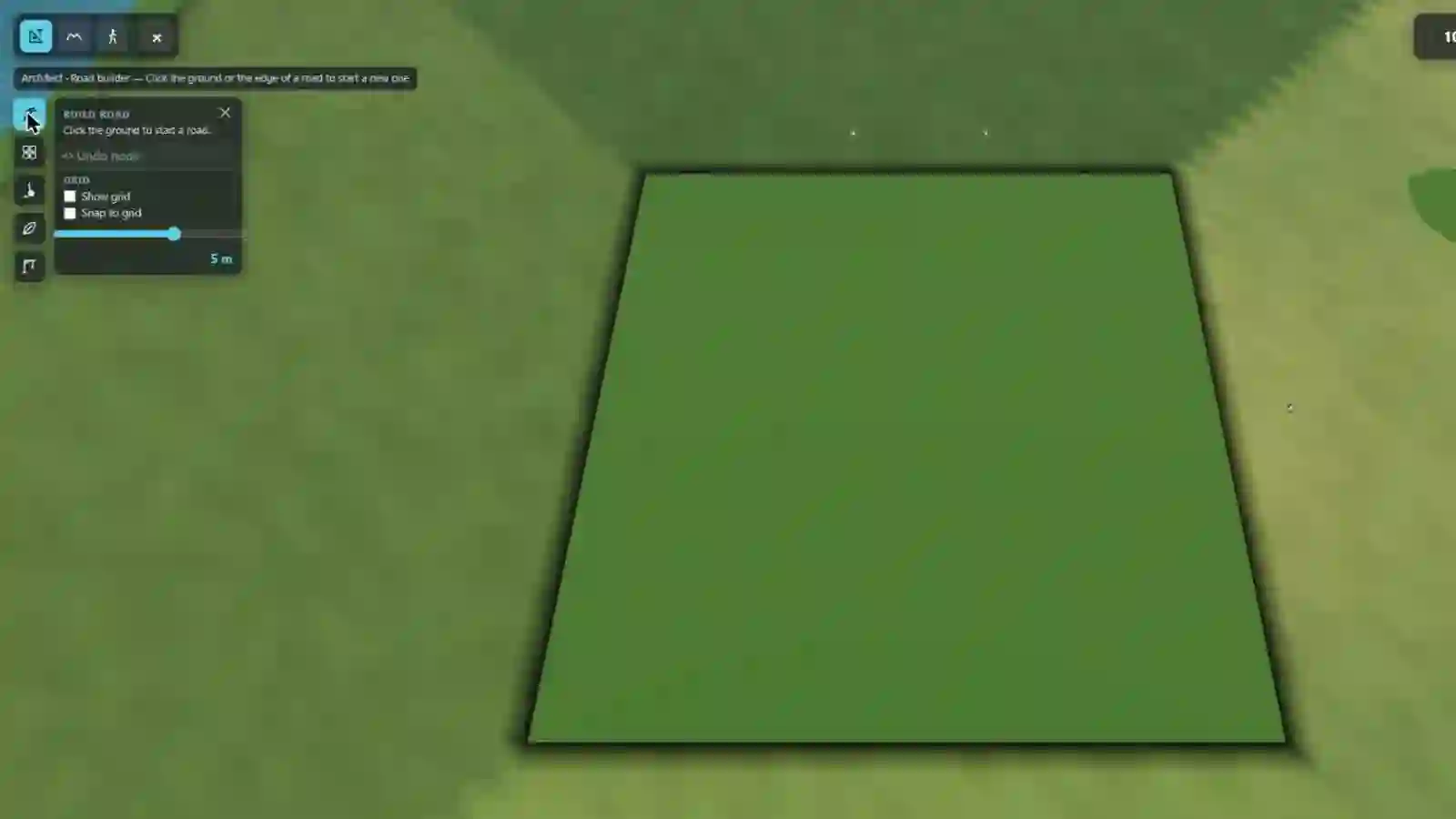
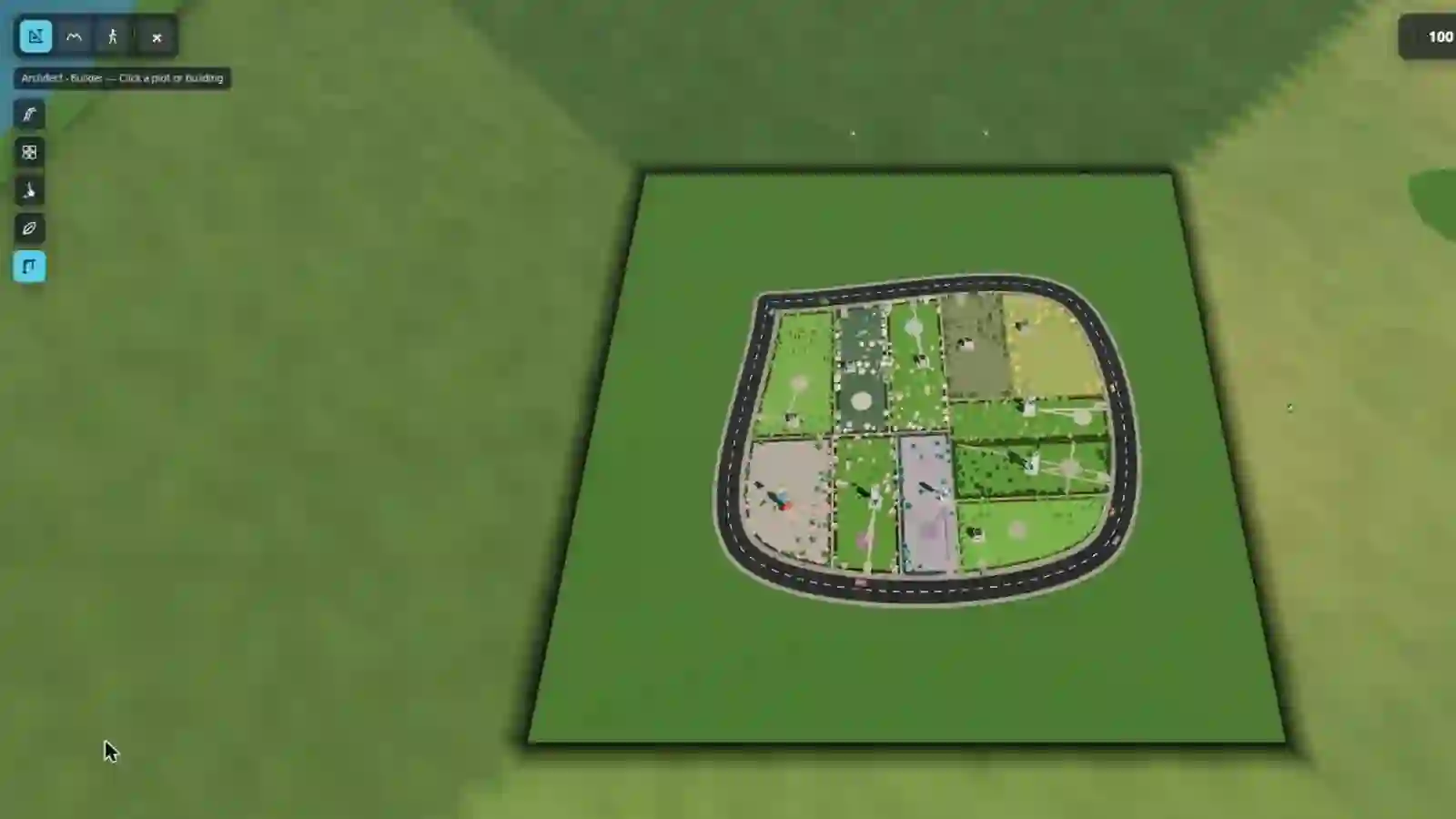
Everything you build, you build from the overview. Down the left edge is a column of five icons — the tasks — and above them a status strip that tells you what the task you picked is waiting for you to click on.
Watch this section in the tour →
Pick a task, then click something
Architect mode has no modal dialogs to get lost in. You choose a task, the status strip tells you what that task wants, and the city highlights only the things that task can act on. Click one and it happens.
- Road builder — Click the ground or the edge of a road to start a new one.
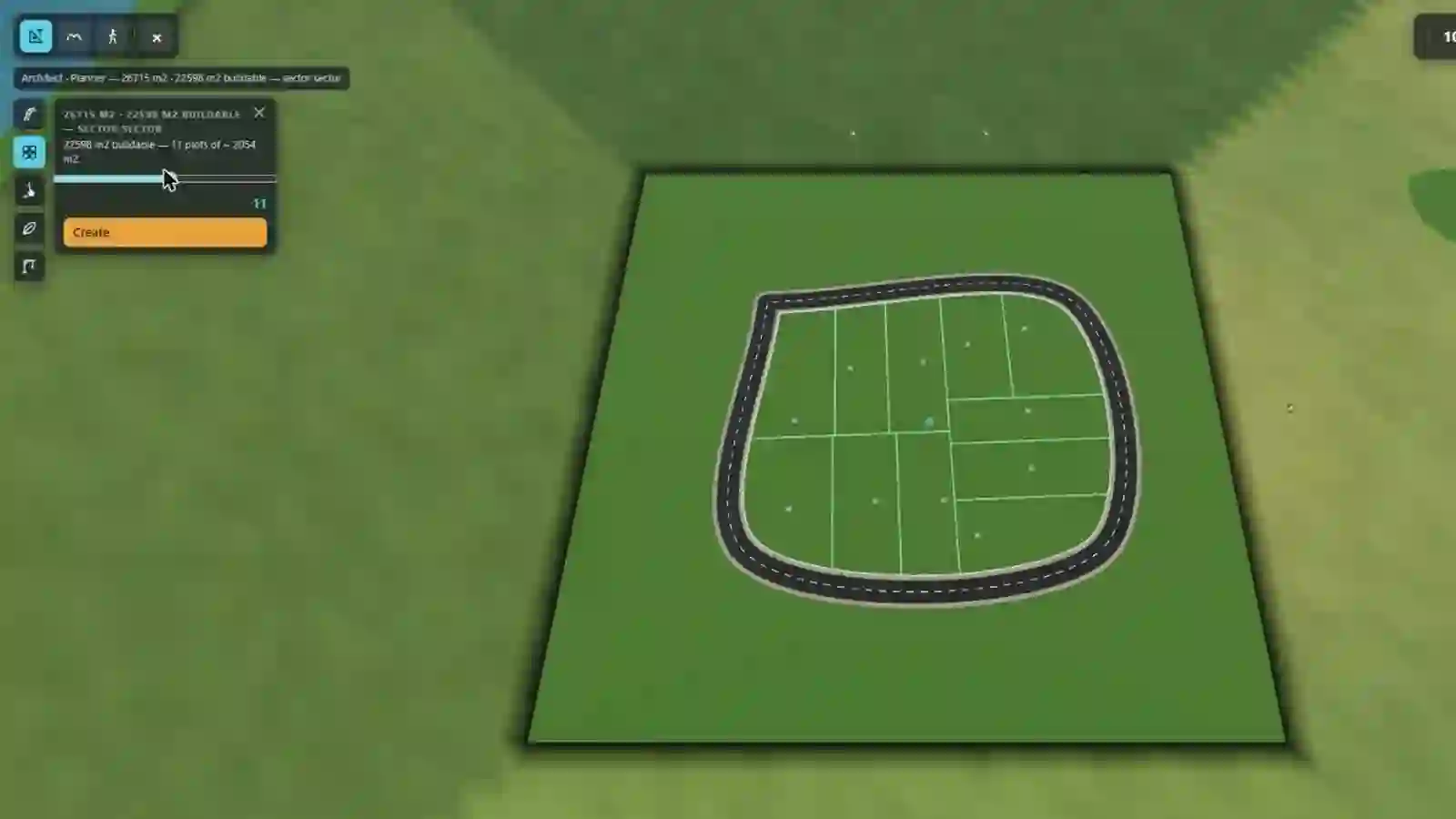
- Planner — Click an empty block to divide it into plots.
- Demolition — Click a road or block you made to demolish it.
- Gardener — Click an empty block for a park or farm, or a garden or park to change it.
- Builder — Click a plot or building.
Press Esc to step back: out of a draft, then out of the
task, then out of Architect mode.
Roads
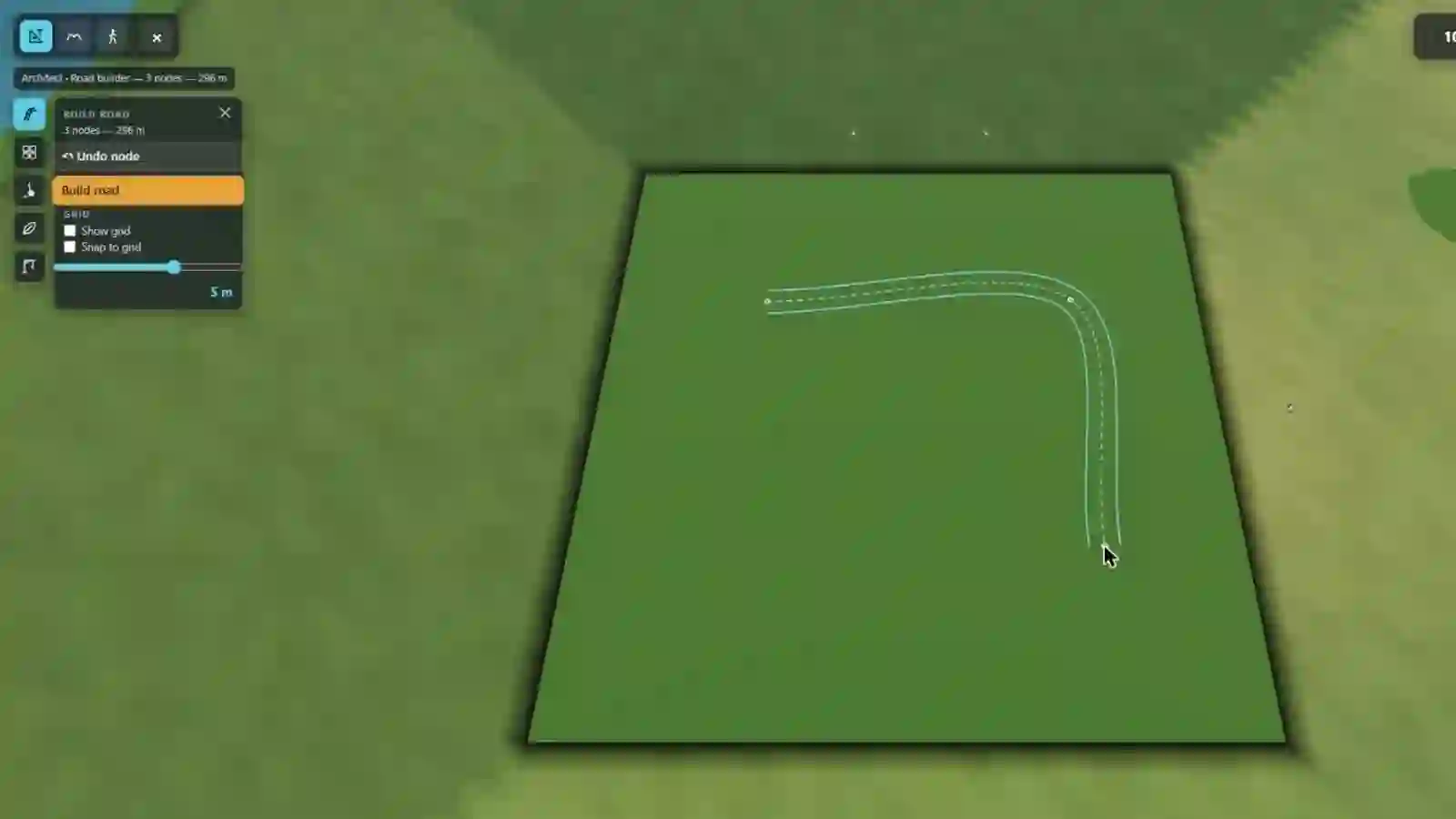
Road builder lays a road point by point. Click the ground to start, click again to add each node; the panel counts your nodes and your metres and offers Build road once there are at least two. Click near an existing road and the stroke finishes itself there — you do not have to hit it exactly.
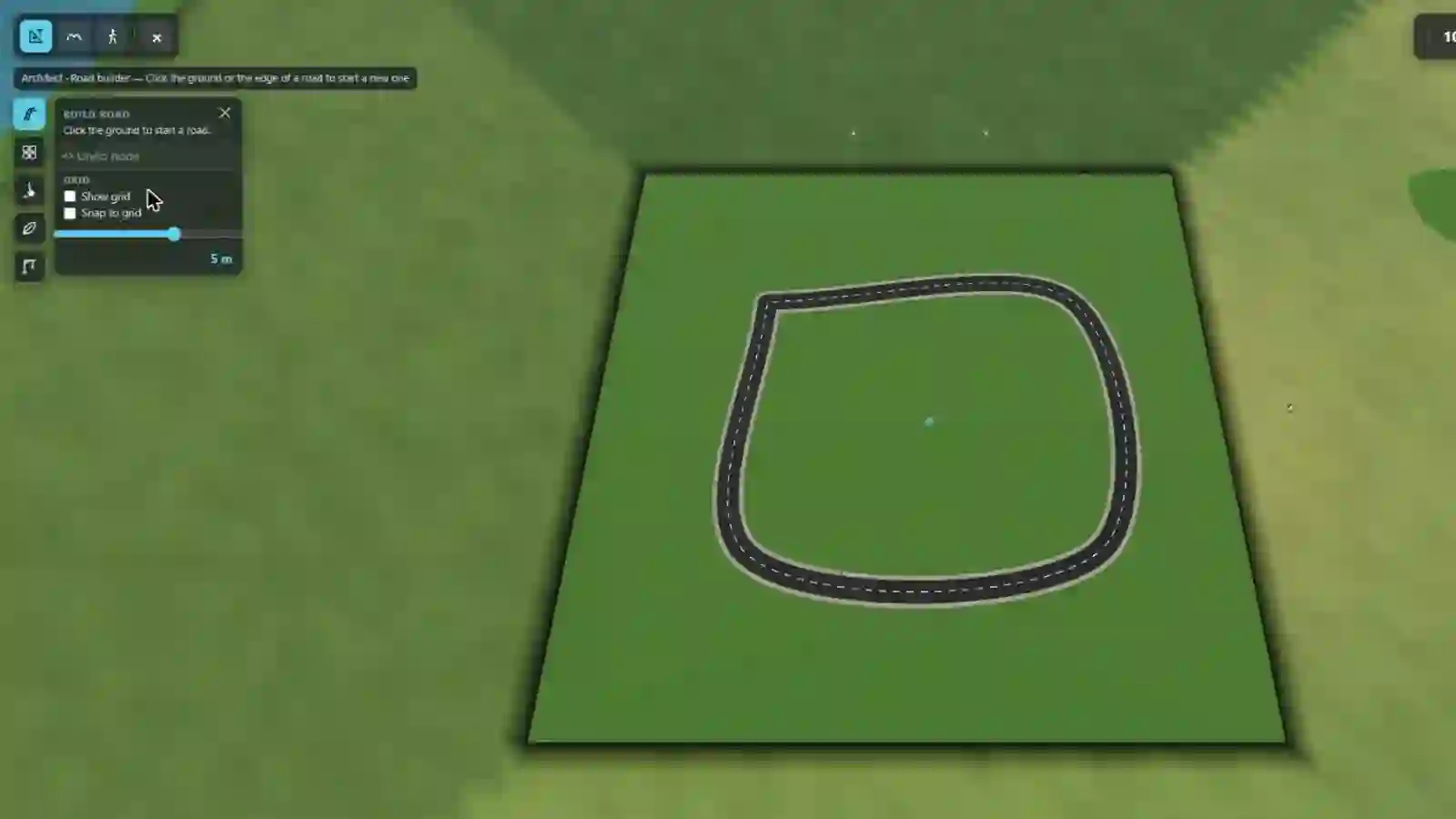
You do not have to tell the city where the junctions are, either. Where two roads cross, a junction appears; where a road ends near another, it joins. Land that ends up fully enclosed by roads becomes a block you can build in.
Demolition takes roads and blocks back out again — but only ones you made. The original generated city cannot be demolished road by road.
Blocks, plots and gardens
A block is a piece of land with roads all the way round it. On its own it is just grass; Planner is what turns it into somewhere to build. Click an empty block, choose how many plots you want with the slider, and press Create — the block is cut into that many plots, each one fronting onto a road.
Gardener takes the same empty block the other way: a park, or a farm. Click an existing park or garden with the same task to change what is planted in it.
Builder is the one that puts something on a plot — that is section 4.
Growing the city outward
Below the task column, some cities carry a City limits block with an Expand the city button. That is not a task — it does not need you to click anything in the world. It unlocks the next ring of land outward, and it is built so that growing the city never moves anything already standing in it.
The whole loop, in five pictures
Road, block, plots, buildings — the tasks on this page, in the order you would actually use them, on one piece of empty ground. Shot on a blank canvas that had nothing on it at all when the first frame was taken.