How to play · Section 1 of 9
Getting Started
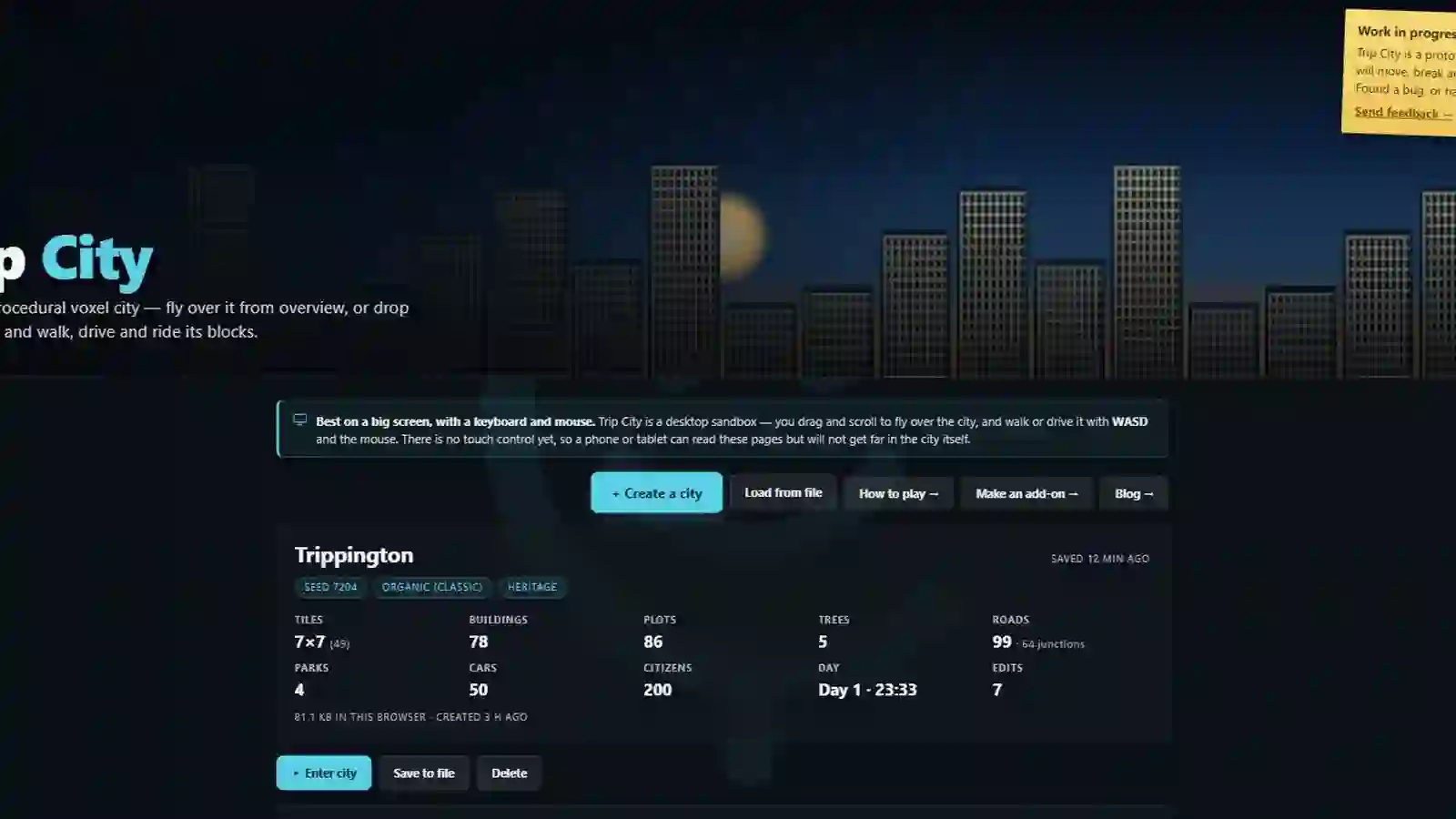
Every city begins the same way: from the start page, press + Create a city. What you choose there decides whether you arrive somewhere already alive, or on open ground with nothing on it at all.
Watch this section in the tour →
Built, or blank
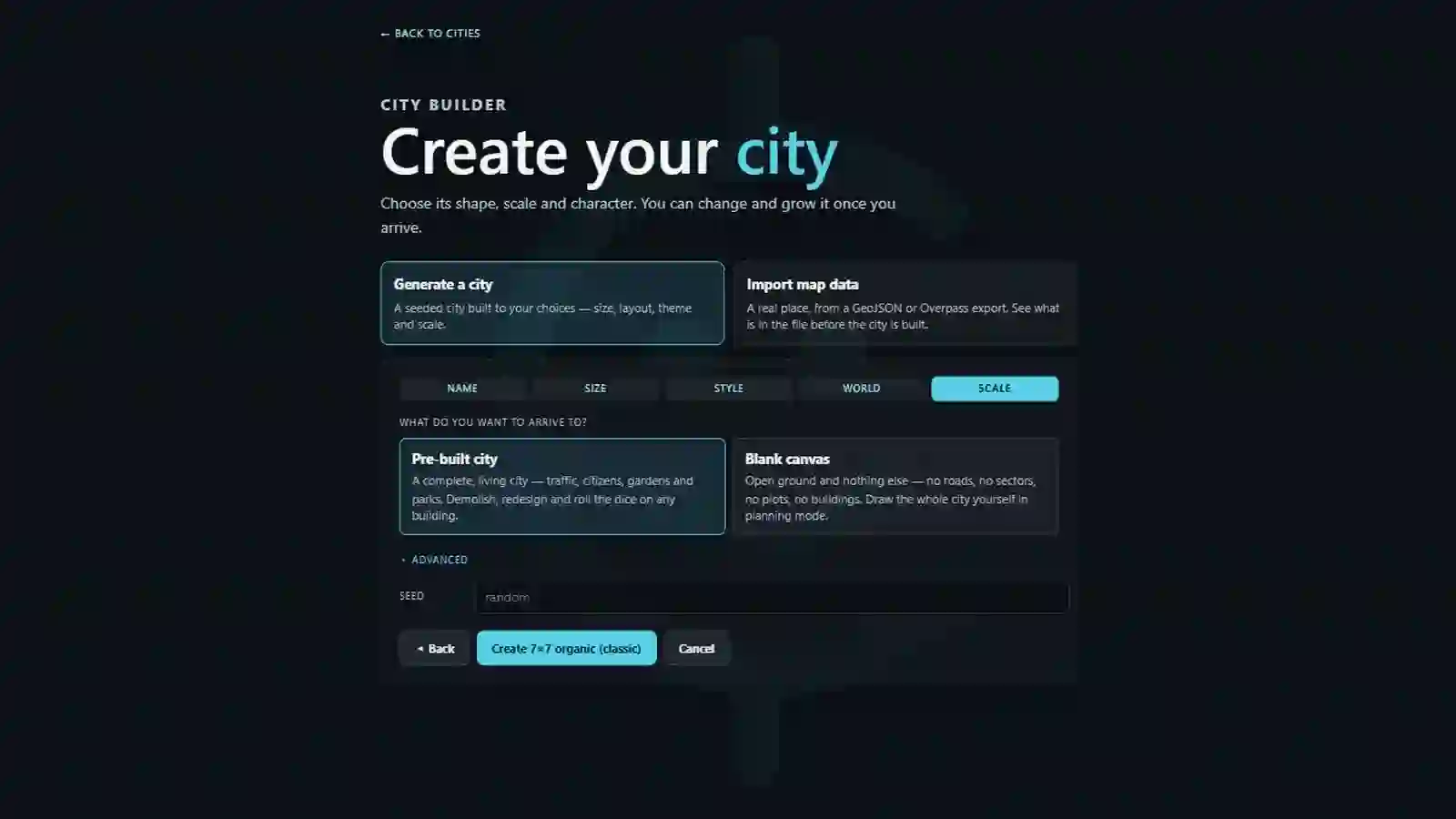
The last step of the wizard asks what do you want to arrive to? and it is the only choice that really changes the game you are about to play.
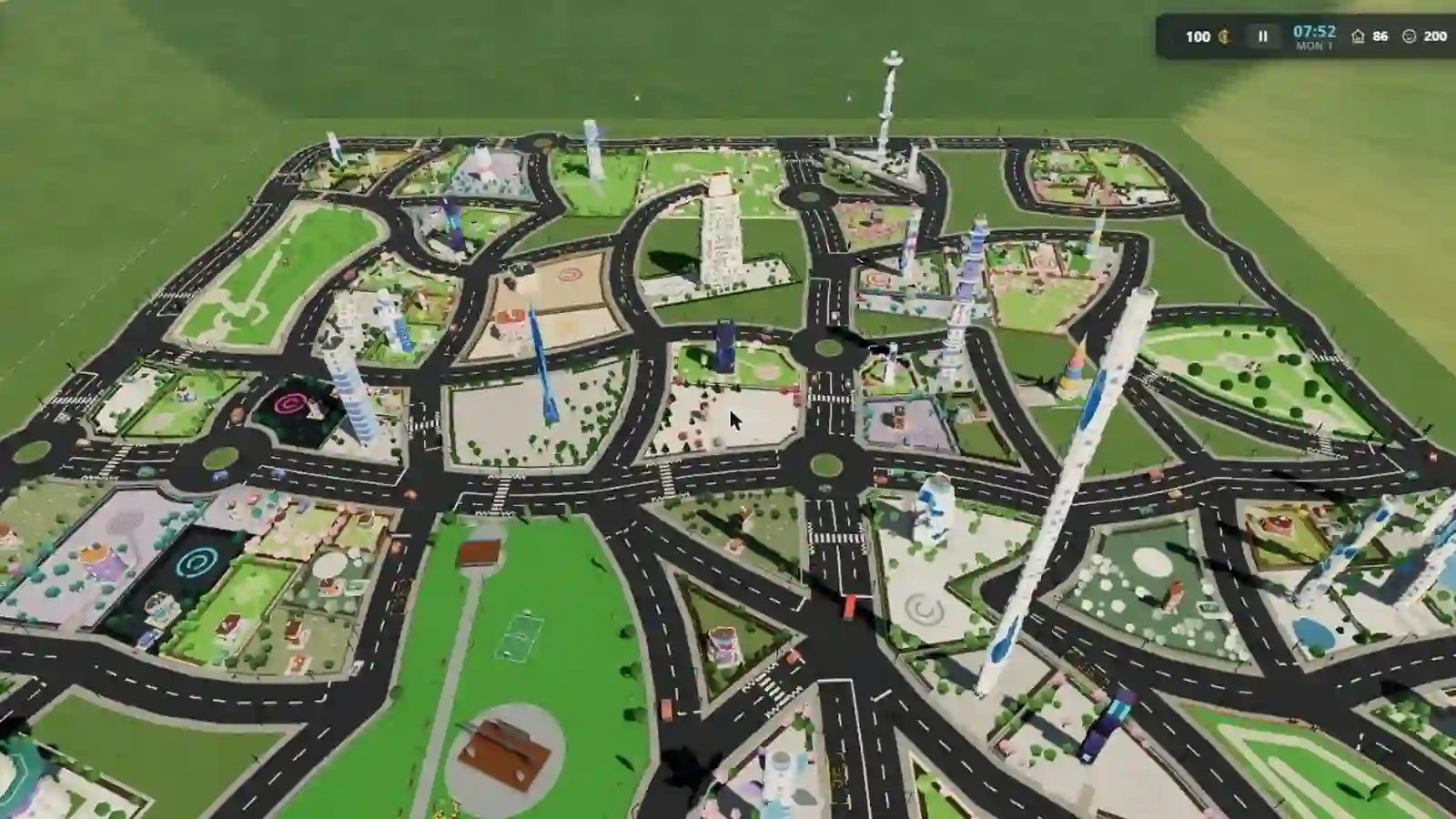
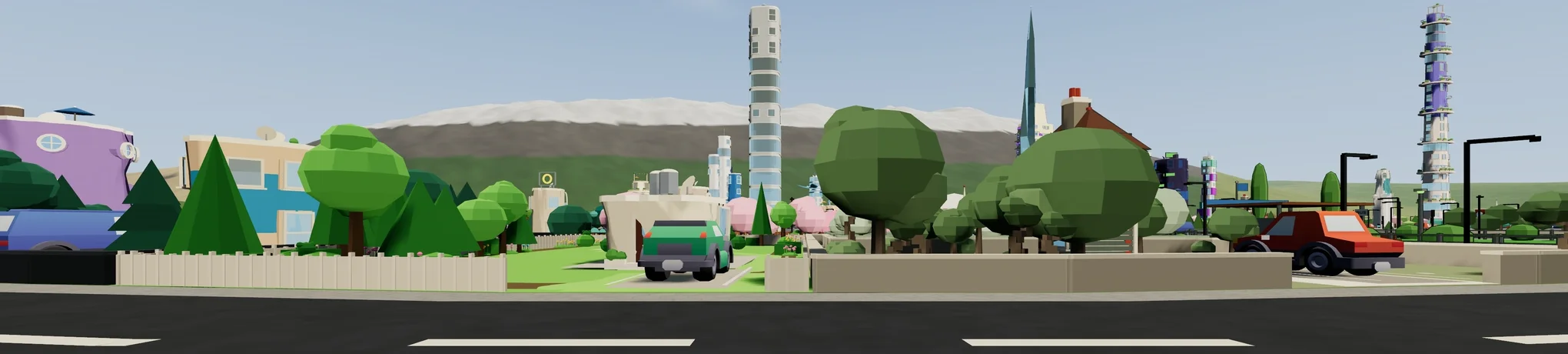
- Pre-built city — a complete, living city: traffic, citizens, gardens and parks. There is something to look at from the first second, and everything in it can be demolished, redesigned or re-rolled.
- Blank canvas — open ground and nothing else. No roads, no blocks, no plots, no buildings. You draw the whole city yourself.
If this is your first city, take the pre-built one. You can build in it just as freely, and having a working city around you makes it much easier to see what your own roads and blocks are doing. The blank canvas is waiting whenever you want it.
The wizard, step by step
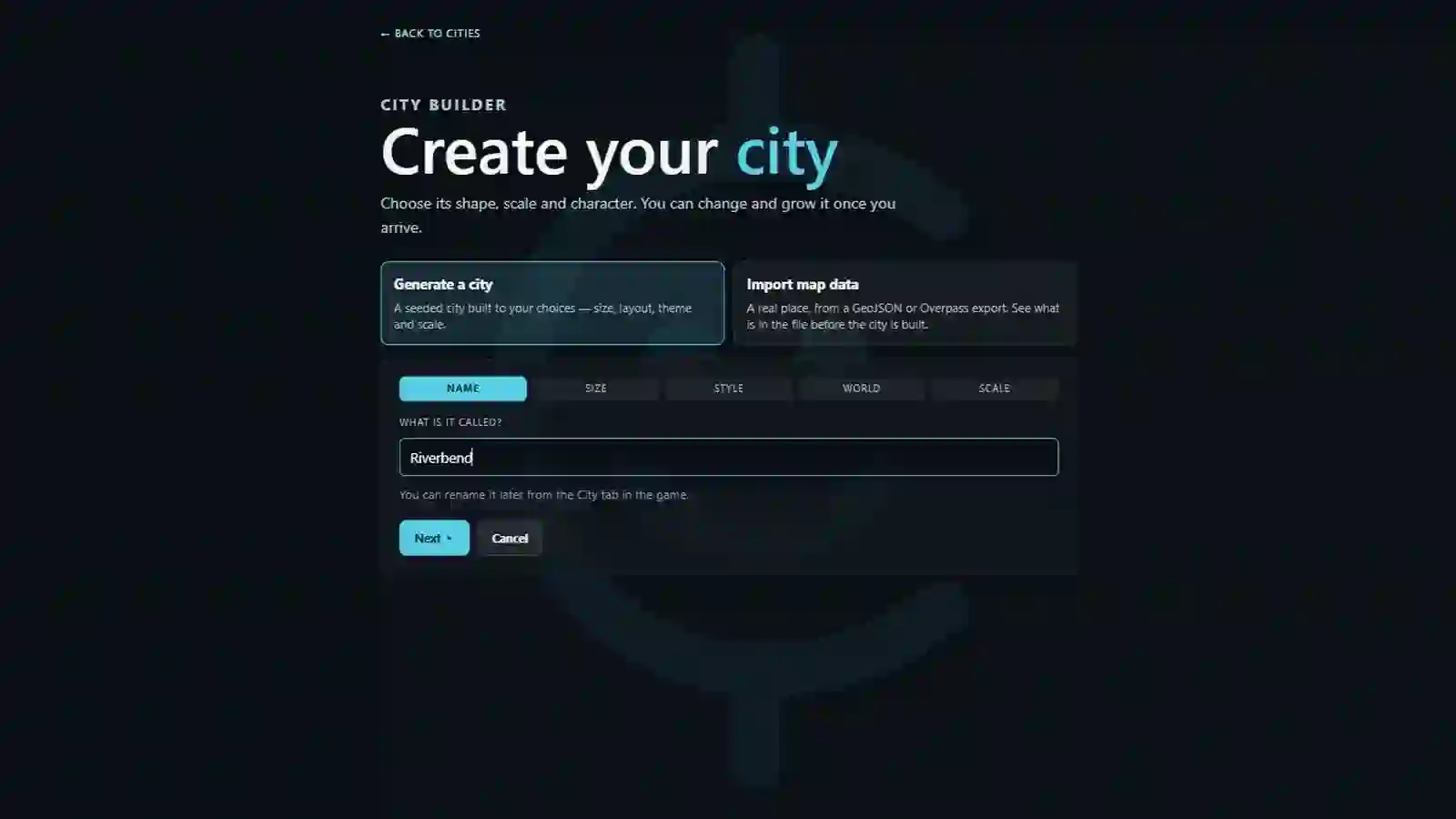
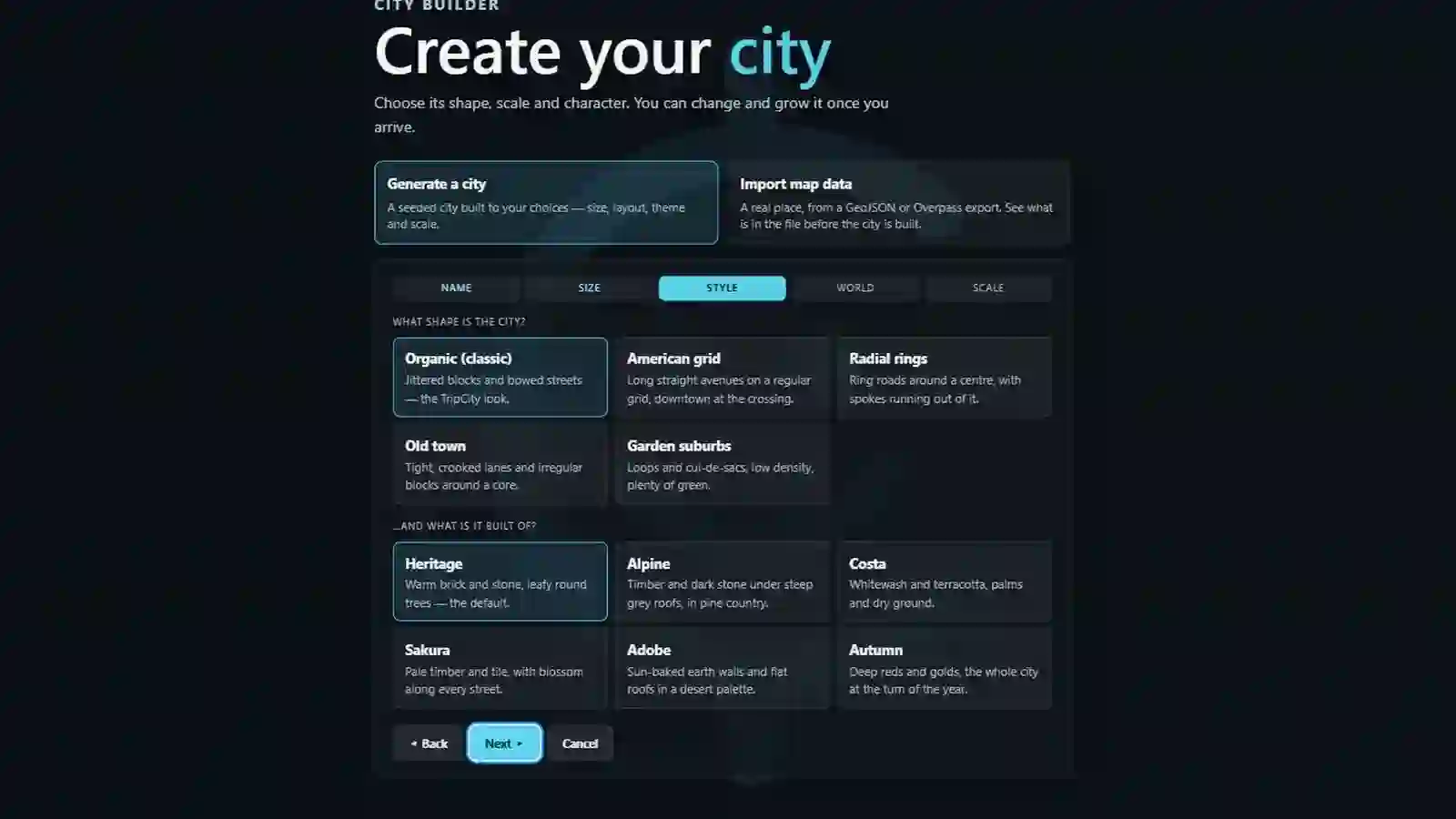
Every field has a sensible default, so you can reach the end by pressing Next five times. What each step controls:
- Name — what the city is called. It becomes part of the city's own web address, so you can come back to it by link.
- Size — how much city gets generated. Bigger is slower to build and heavier to run; a middling size is a good first choice.
- Style — the layout (organic, grid, radial, medieval, suburban) and the theme (the palette everything is painted from).
- World — which side of the road traffic drives on, how tall the generator is allowed to build, and a few things that are on switches inside the game anyway. A low height cap also makes the architecture plainer, because taller styles step aside where they cannot fit under it.
- Scale — built or blank, as above, plus an Advanced fold with the seed in it.
The seed
Leave the seed blank and you get a fresh random city. Type a number and you get a city that can be rebuilt exactly — same roads, same buildings, same trees — by anyone who types the same number. That is what "procedural" means here: the city is not stored, it is computed, and the seed is the whole recipe.
Where your city lives
The city you are in saves itself to this browser as you play — every road you lay, every building you replace. The start page lists every city you have made here.
Browser storage is not forever, though: clearing site data clears your cities with it.
Use Save to file to download a city as a .json file you actually
own — it survives cleared data, moves between machines, and can be sent to someone
else. Load from file brings one back.
There is a second way in, too: import real map data and view an actual place in 3D instead of a generated city. That is a different mode with different rules — section 9.