How to play · Section 2 of 9
Overview and Citizen Modes
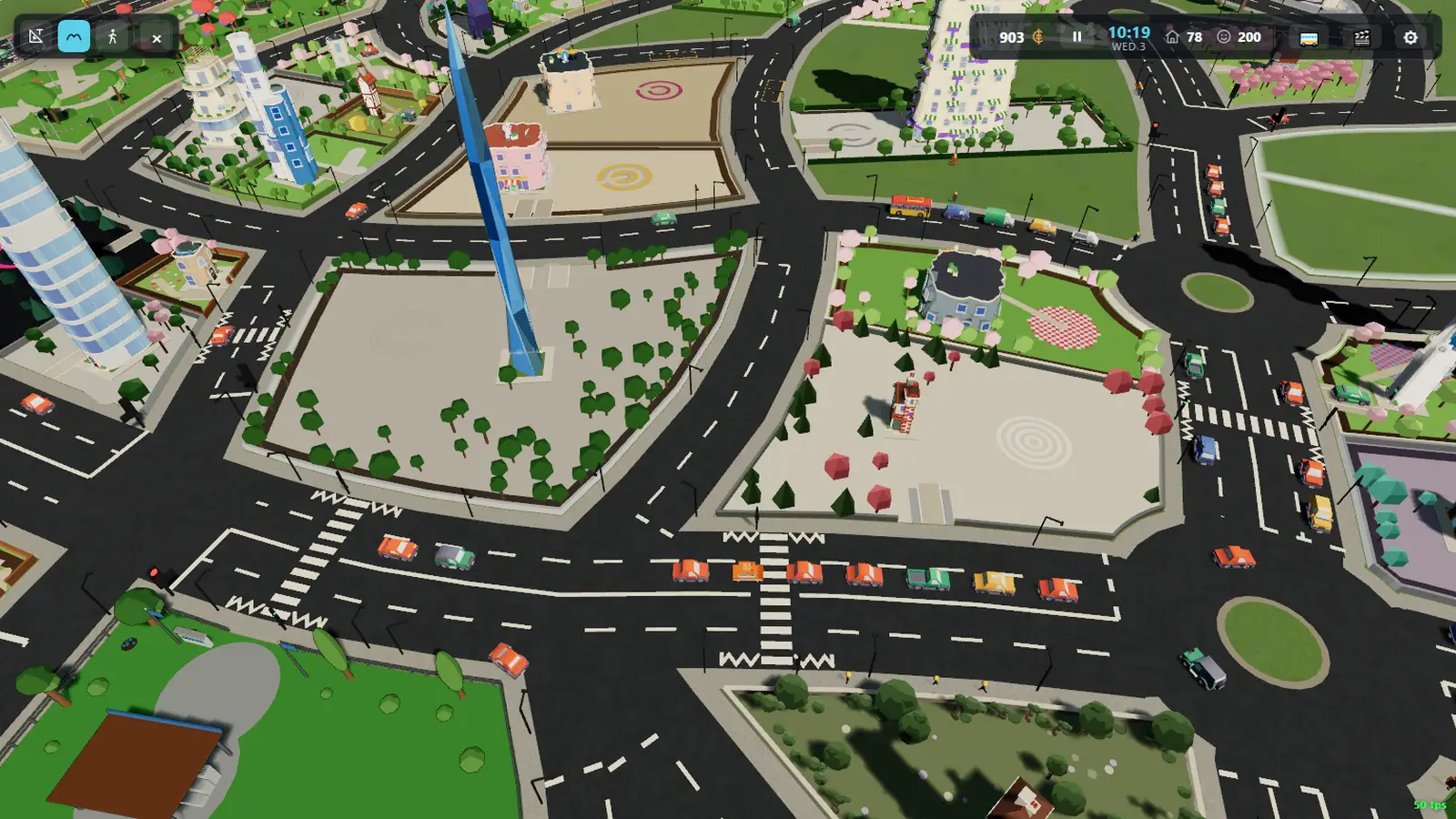
There is one city and two ways to be in it: overview, the camera above it, and
citizen, your own two feet on the pavement. M or Tab moves
between them at any moment — same city, no loading, nothing regenerates.
Watch this section in the tour →
Overview — the city from above
You arrive here. Pan with W A S D, zoom with Q/E
or the scroll wheel, and orbit by dragging with the right mouse button.
Overview is also where you build: the task column down the left edge is Architect mode, section 3.
Watching it run
Click any car or citizen to follow them. C switches between the follow
and driver views, and 1 / 2 / 3 choose whether
you drive the thing you picked, ride along in it, or just watch it. Settings
(top right) changes the theme, the time of day, and how many cars and citizens the
city is running.
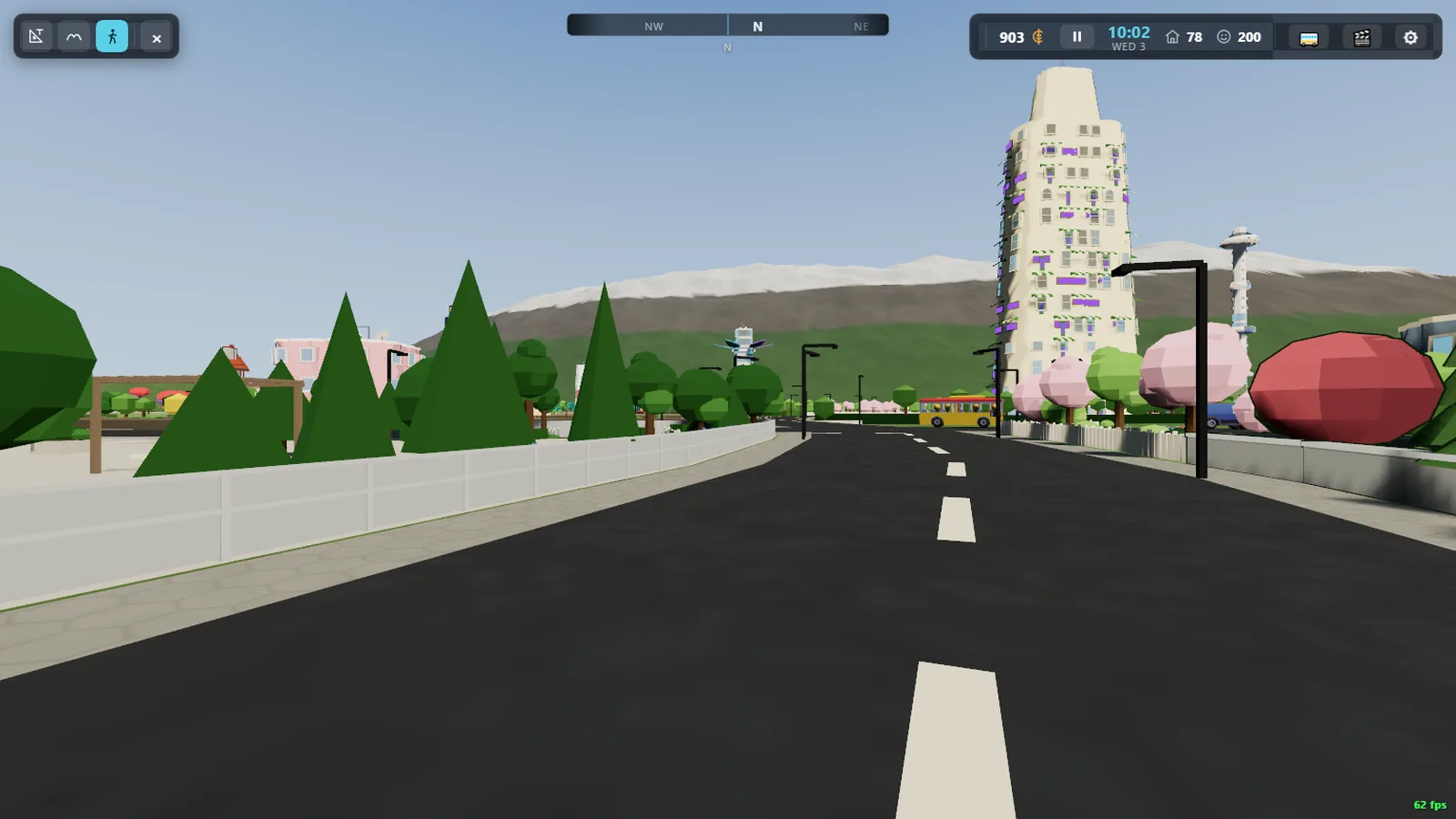
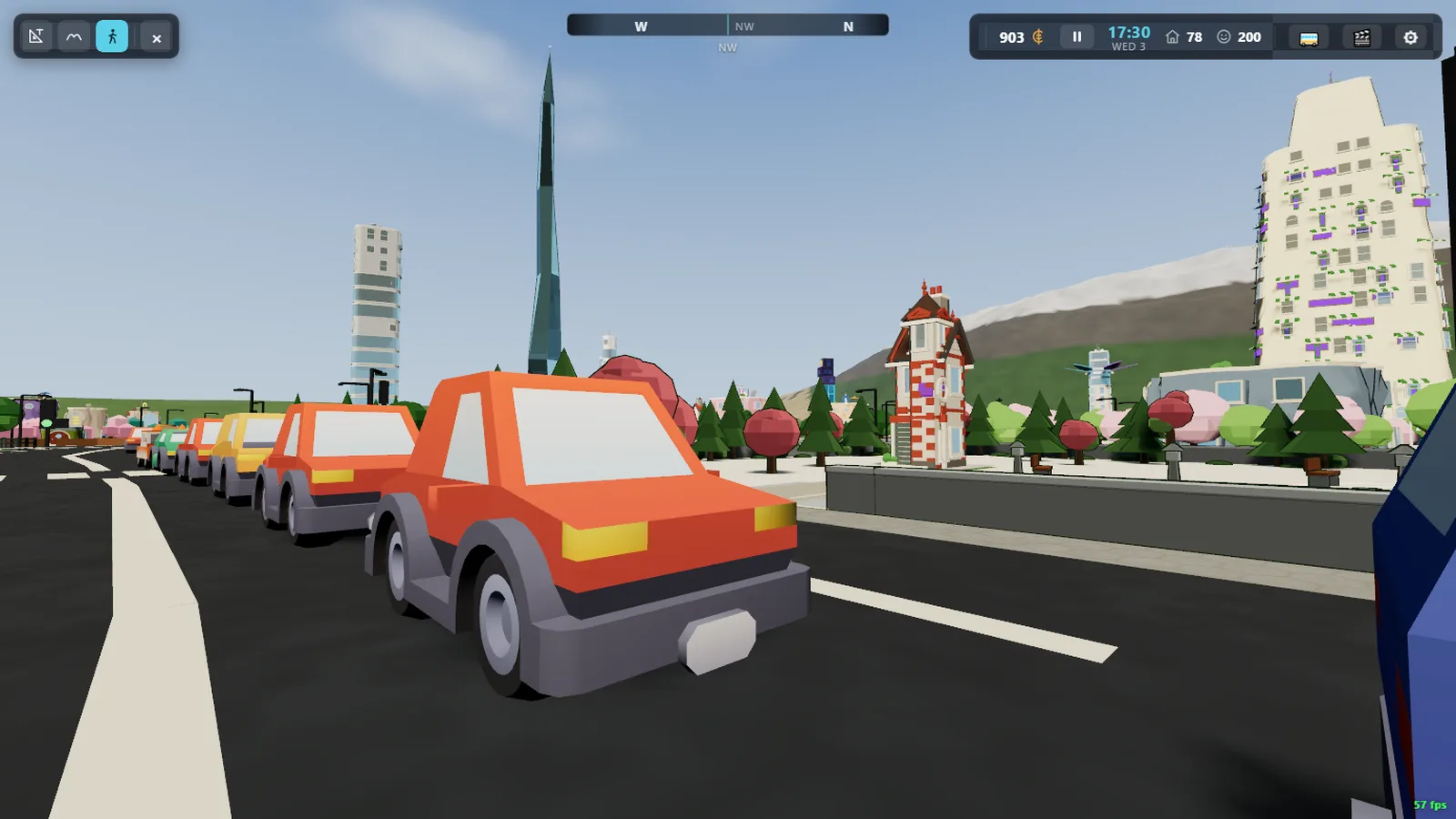
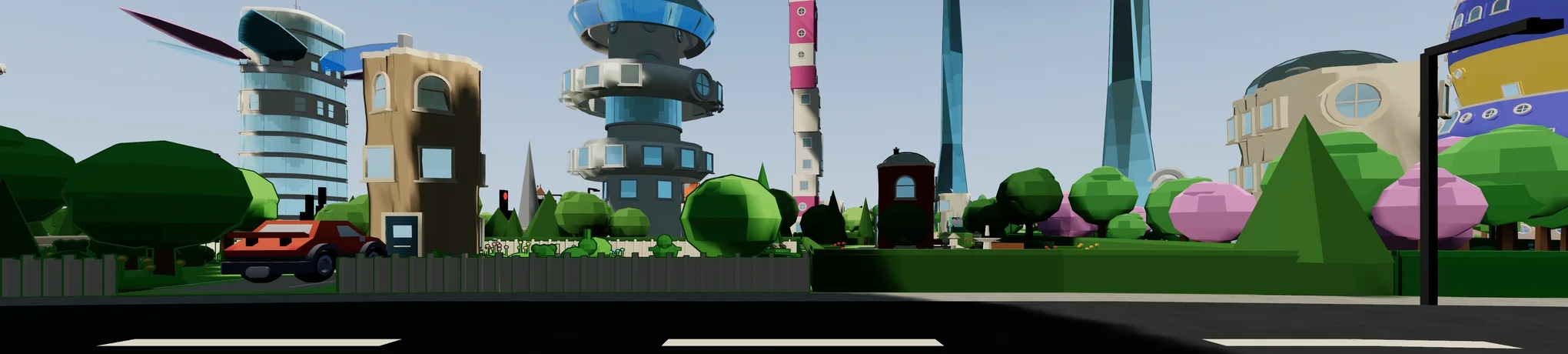
Citizen — the city from the street
Press M (or Tab) and you drop to the pavement. Press it
again to float back up.
Walk with W A S D and mouse-look, hold Shift to run,
Space to hop. C changes the camera view — first person,
over the shoulder — and G waves at whoever is nearby. They wave back.
Things to try, all on E
Almost everything a citizen does is the same key: E uses whatever is in
front of you.
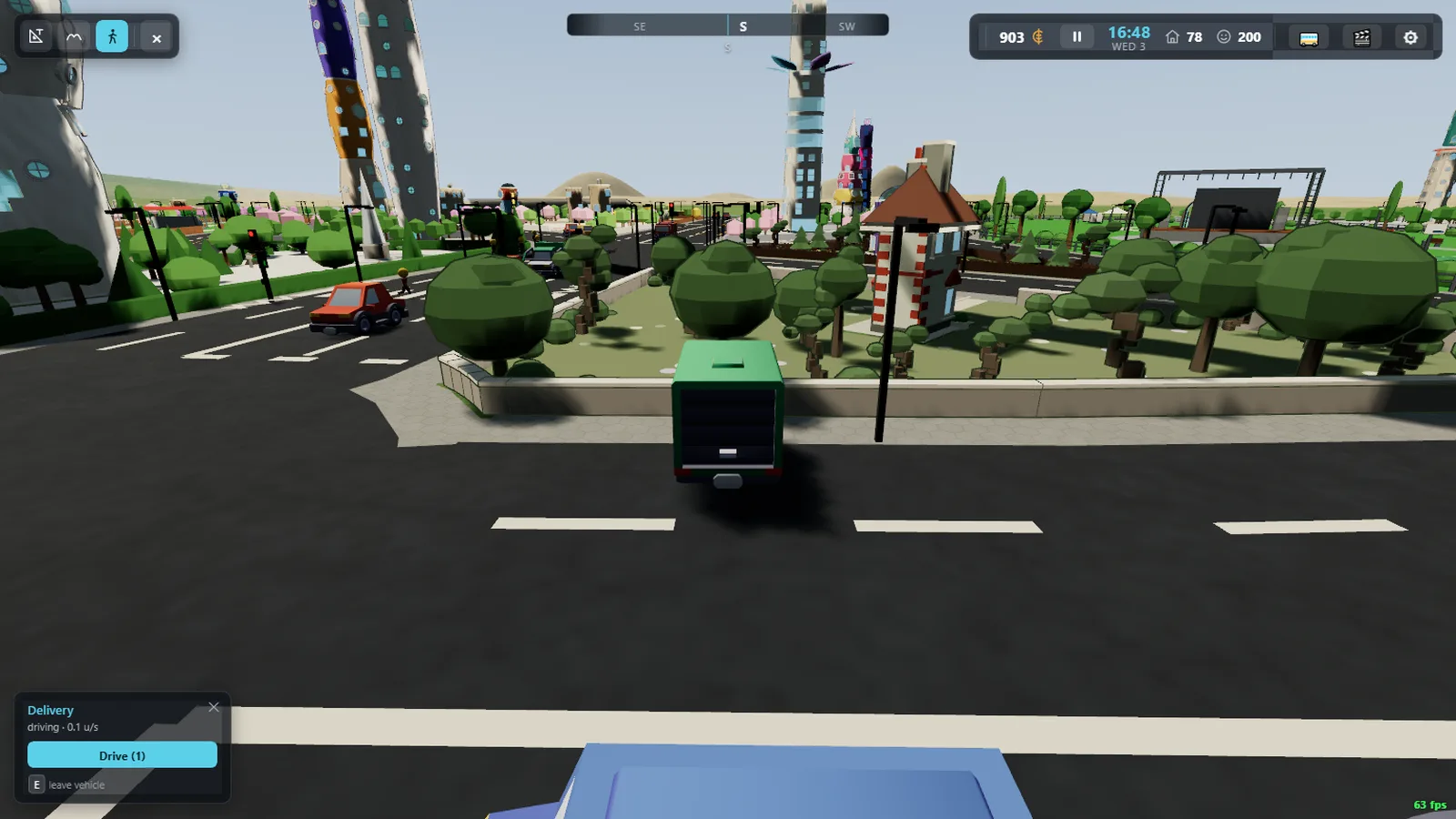
- Take a car — walk up to a parked car and press
E. Drive withW/S, steer withA/D, handbrake onSpace.Eagain gets you out — leave it on a marked bay and it will tidy itself in. - Ride the bus — wait at a stop and press
Ewhen one pulls in. More on buses in section 5. - Go inside — press
Eat a building's door. - Cross safely — press
Eat a crossing to call the lights, and wait for them like everybody else. - Take a job — press
Eat a shop counter with a mission behind it. See section 6.
Esc or right-click always steps you back out of whatever
you are in, one layer at a time.
No wrong door
Nothing you do in one mode is undone by switching to the other. Build a road from above, drop to the street and drive down it. Park a car as a citizen, go up to overview and watch the traffic queue behind it. It is one world the whole time.