How to play · Section 5 of 9
Buses
Two different things wear the word "bus" here. Riding one is something you do as a citizen, on foot, at a stop. Running a line is something you do from the overview, with a pencil. They share nothing but the vehicle.
Watch this section in the tour →
Riding a bus
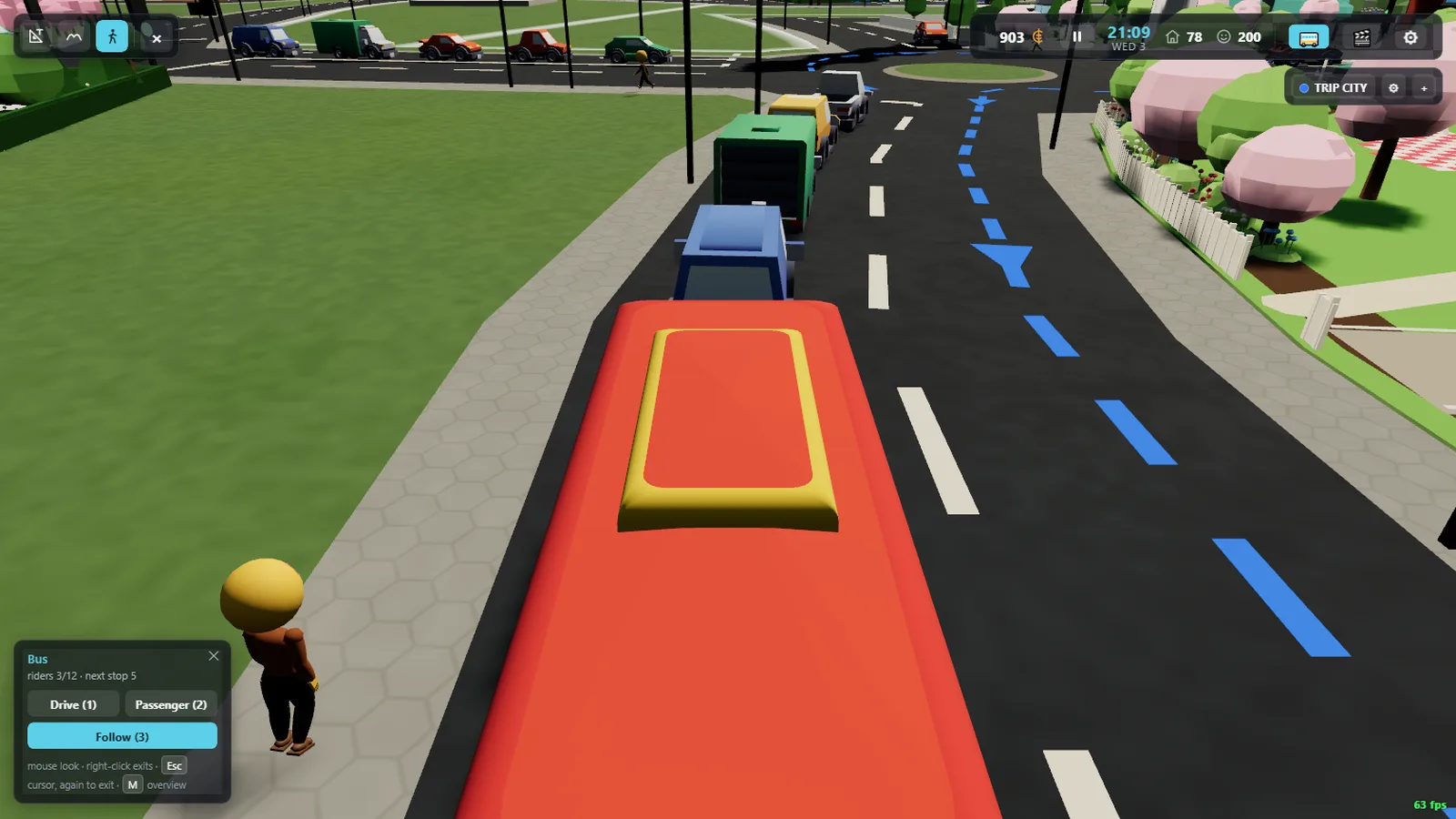
Find a stop — a shelter, a sign and a box painted on the road — and wait beside it.
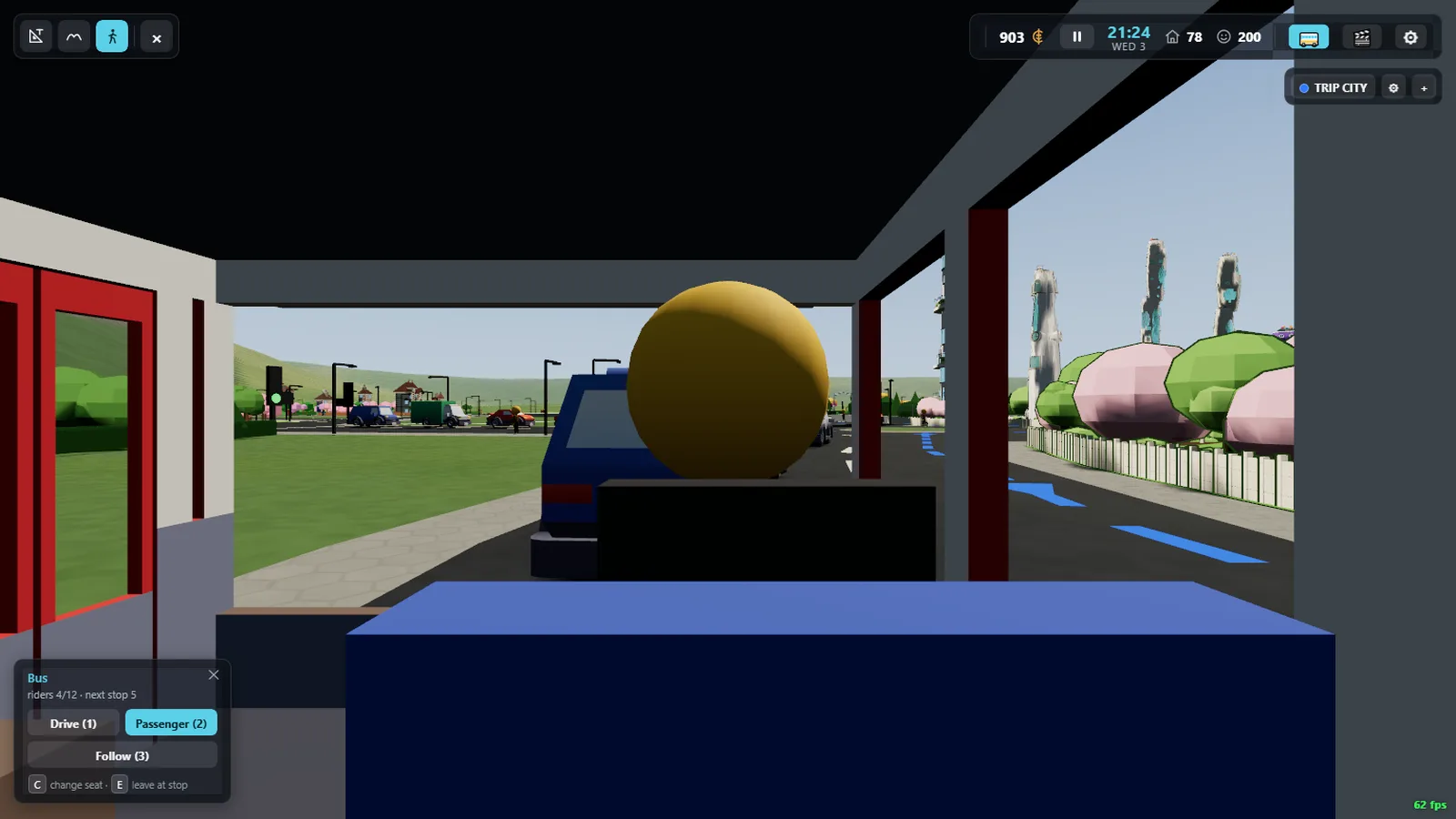
Citizens will be waiting with you. When a bus pulls in, press E to board
it. You get a seat and the city goes past the window.
C changes your view while you ride; E again gets you off at
the next stop the bus serves.
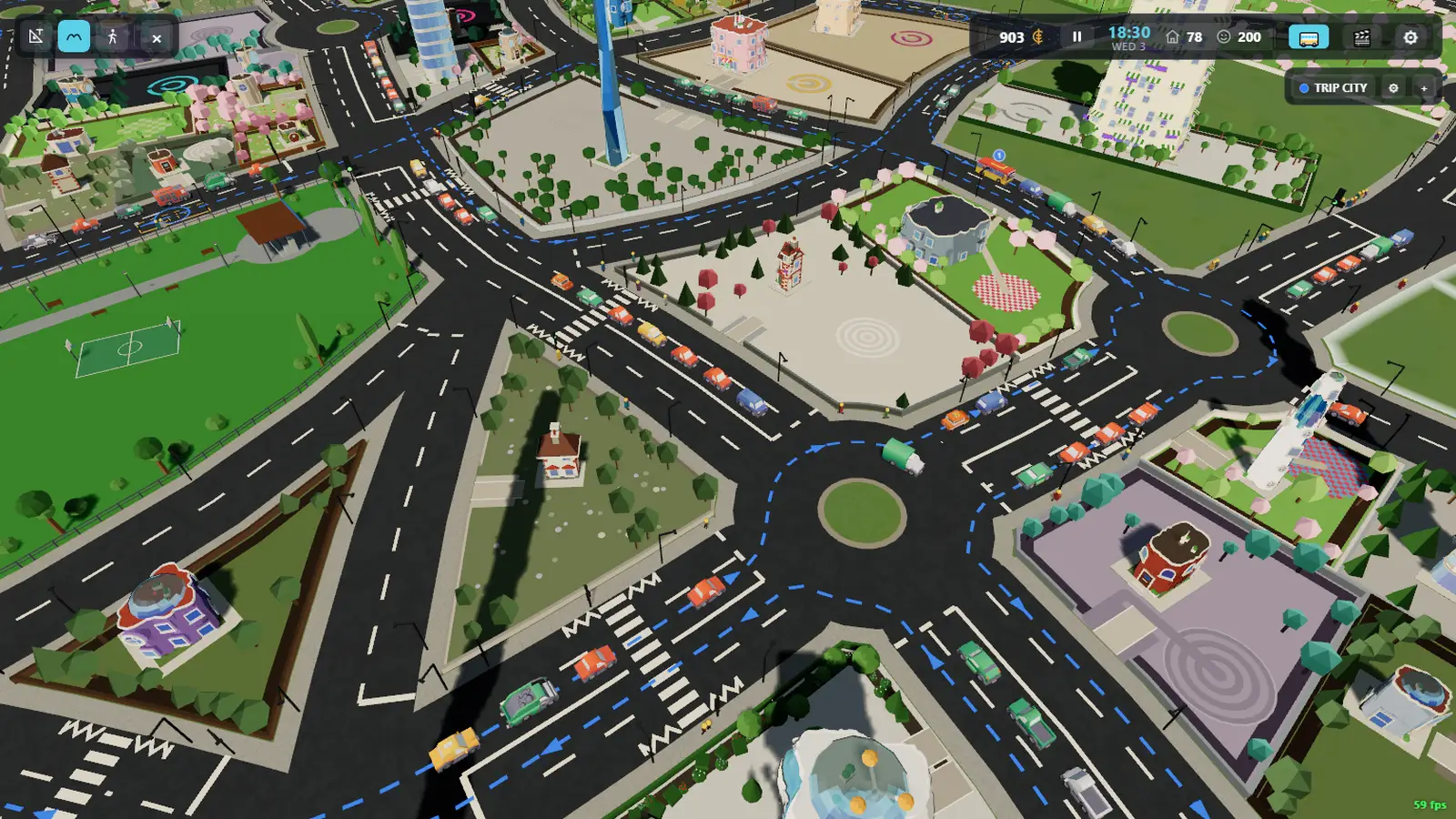
From the overview, B switches on the route overlay: every line
drawn as a coloured ribbon with chevrons showing which way it runs, its stops ringed,
and a badge naming it. Press B again to switch it off.
Running a line of your own
The bus panel in the overview lists the buses running in your city. At the end of that row are two controls: a ⚙ that manages the lines you already have, and a + that starts a new one. The + is only there when there is room for another line.
Press + and the route panel docks open while you draw:
- Click along the roads to lay the route's waypoints — the path the bus will actually drive.
- Click where you want stops. A stop gets a real shelter, sign and box, and citizens start using it.
- Give the line a name — it is what shows on the front of the bus, so it is short — and pick a colour from the swatches.
- Bring the route back round to where it started. Create lights up only once the loop is closed, because a bus line has to come back.
Undo takes back the last click, whichever kind it was; Cancel throws the whole draft away. Once created, a bus is dispatched onto the line and starts running it, and citizens begin to use it like any other.
The ⚙ dialog lists every line you have: rename it, recolour it, or delete it. Your lines are saved with the city.
Why a line has to make sense
A bus route is driven, not teleported, so it has to be drivable: the waypoints have to follow roads the bus can actually use, and the loop has to close. If Create stays dark, the panel says what is missing.