How to play
How to play
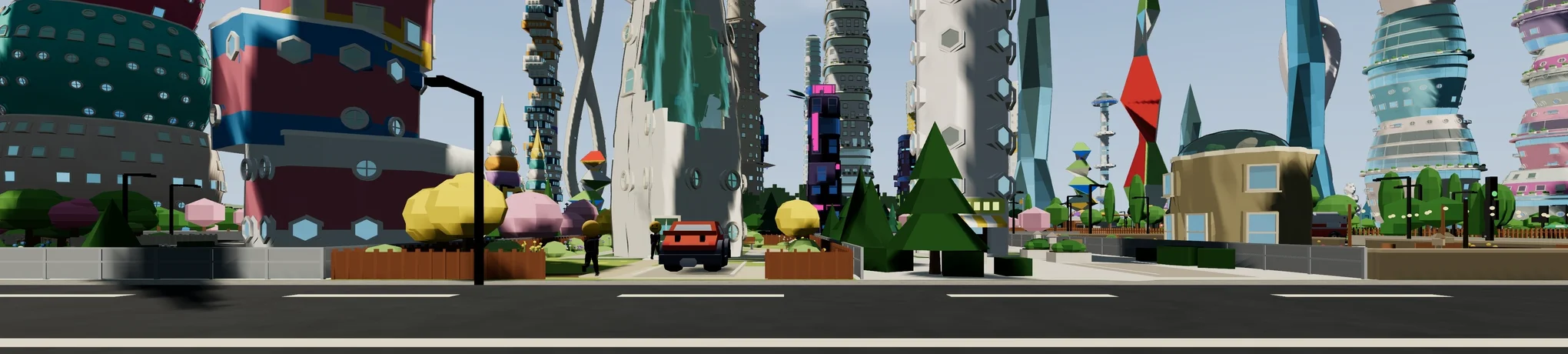
Trip City is a procedural city sandbox. Every city grows from a seed — the same seed always builds the identical city — and everything you change is kept beside it. You can fly over it from overview and reshape it, or drop to the street as a citizen and walk, drive and ride what you built.
Trip City is a bare-bones work in progress — expect rough edges, missing features and the occasional oddity. But there is already a lot to explore: traffic that queues at real signals and roundabouts, citizens with daily schedules, bus lines you can draw yourself, gardens, minigame portals, shop missions, and road and district building straight from the overview. Poke at everything.
Nine short sections, in the order a new player meets them. Each one has its own address, so you can link straight to the bit you mean. There is no touch control yet — Trip City wants a keyboard and a mouse.
Chapters
Jump straight to a chapter. Each one also links from the section it belongs to.
The tour
Key reference
The defaults. Keys can be remapped in Settings → Controls in the game — this page always shows the standard layout.
M / Tab | switch overview ⇆ citizen |
W A S D | pan the camera · walk · drive |
Q / E | zoom (overview) |
Shift | run |
Space | jump · handbrake |
E | enter / board / use whatever is in front of you — including taking and leaving a car |
C | change camera view |
G | greet |
B | bus route overlay (overview) |
N | end the mission you are on |
R | record a video clip |
1 / 2 / 3 | drive / ride / follow a picked vehicle |
Esc | step back out of anything |